IDBE RibbonCreator 2010
 License
License
License
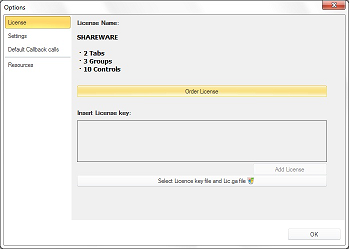
Licence information:
The shareware version is restricted to:
You may purchase a personalized license under: www.ribboncreator2010.com
Once you have received the email copy the entire content from the attached text file into the field labeled "Insert License Key" and Click "Add License"
Alternative :
The program validates both files and writes it to the corresponding folder.
Clue: You need administrator rights for these actions.
This will unlock the RibbonCreator 2010.